
Focus and breaks
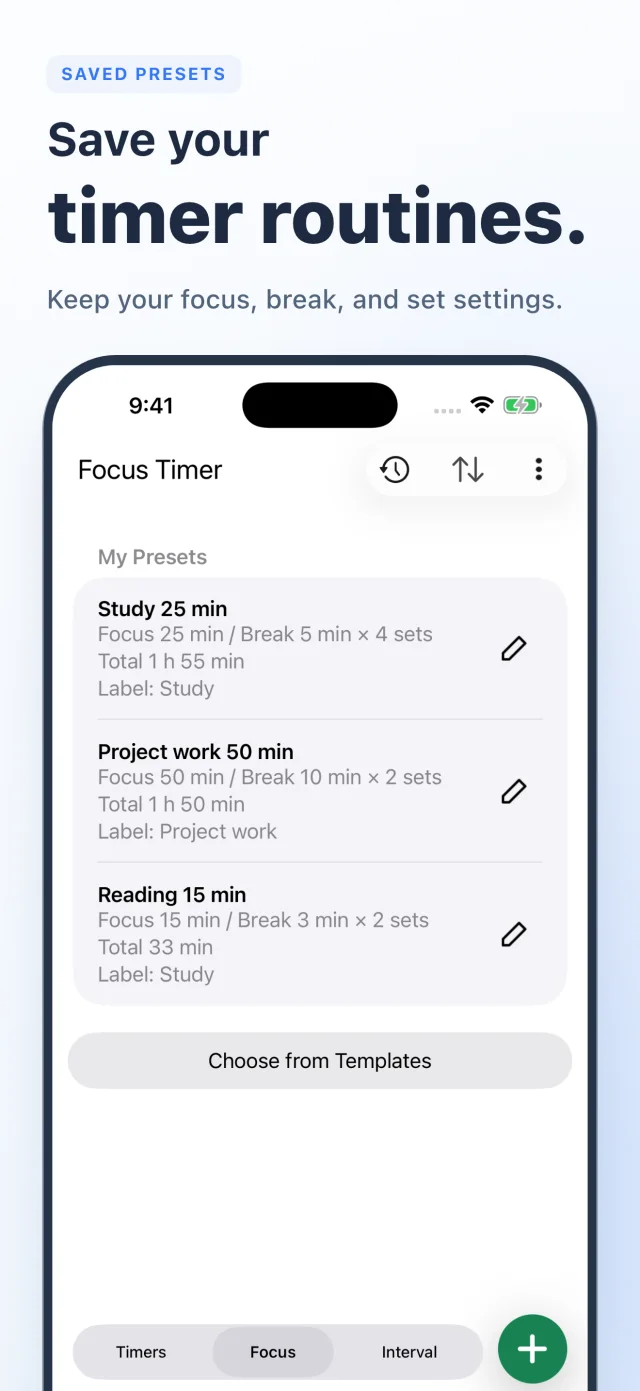
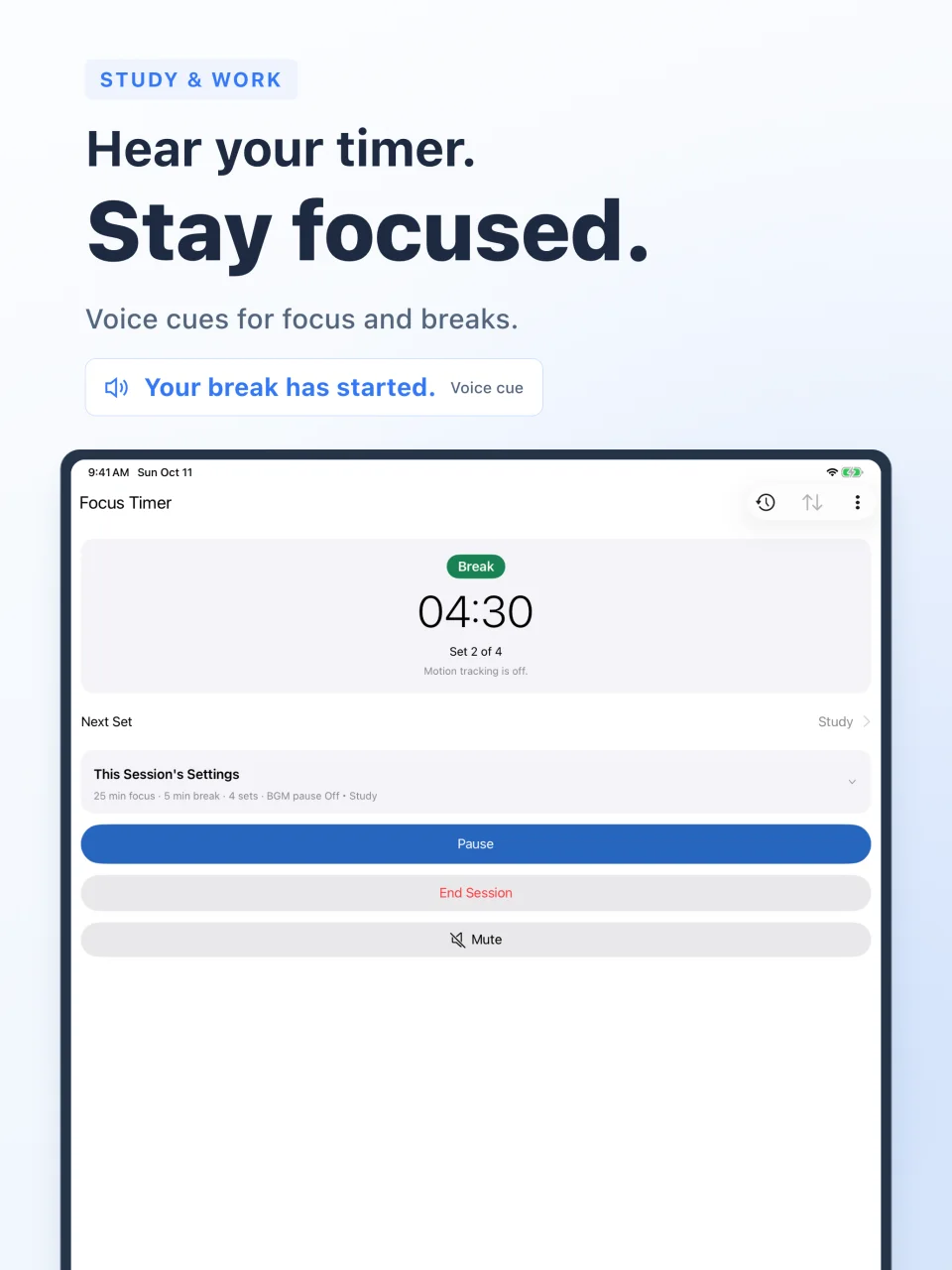
Set focus time, break time, and the number of sets. Spoken start and end cues help you follow your routine without constantly checking the screen. For Pomodoro study sessions and everyday work.
Voice cues for focus, breaks, and workout intervals. Save your activities and see the time you put in, day by day.
Download on the App StoreFor iPhone and iPad / iOS 15.6 or later
Choose how you time your activities, then review them in one activity history.
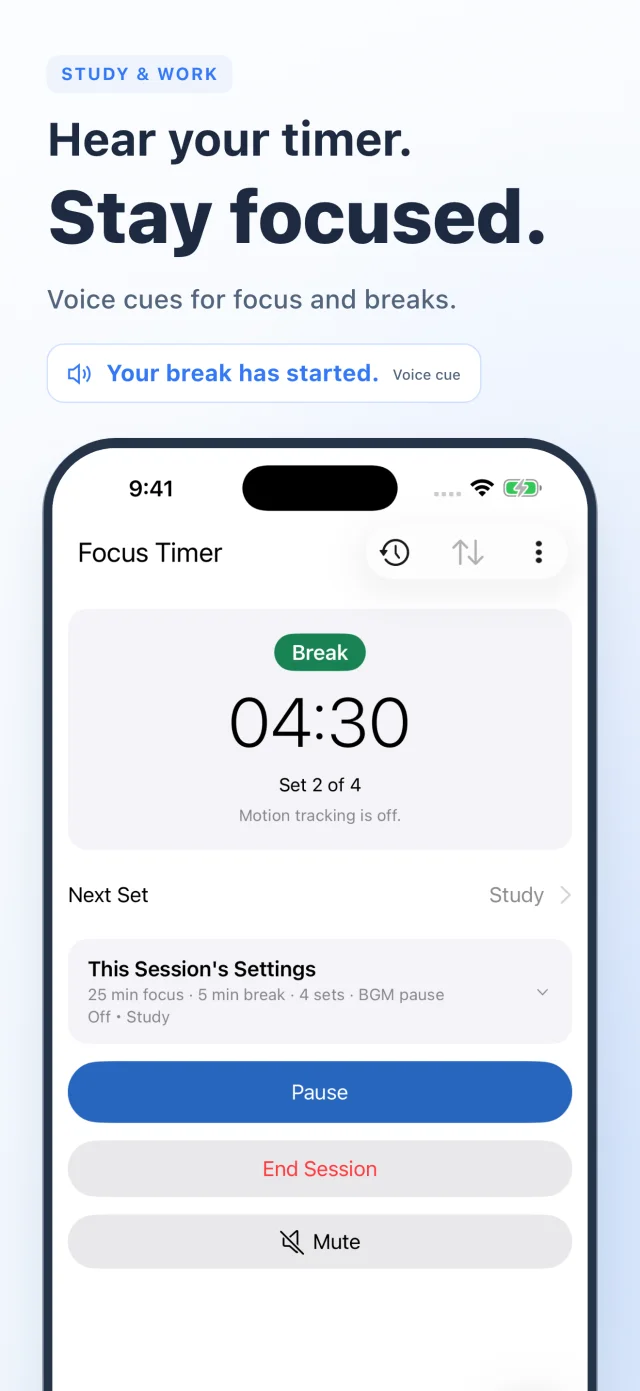
Set focus time, break time, and the number of sets. Spoken start and end cues help you follow your routine without constantly checking the screen. For Pomodoro study sessions and everyday work.
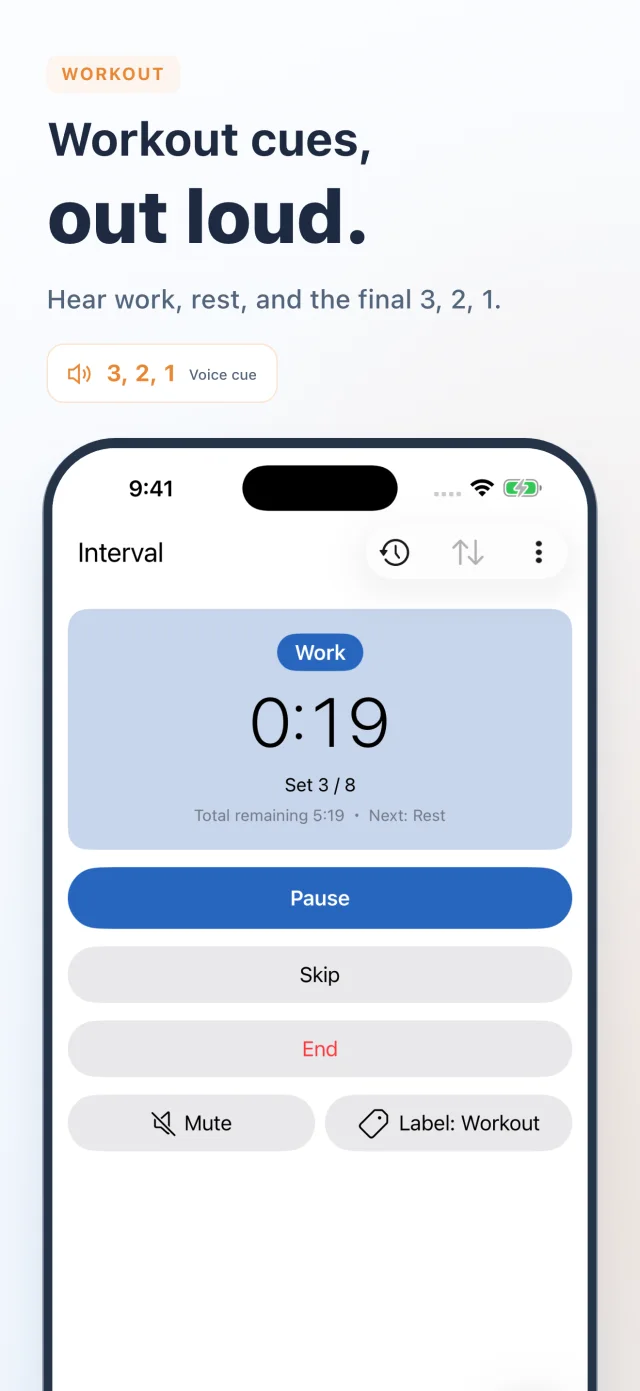
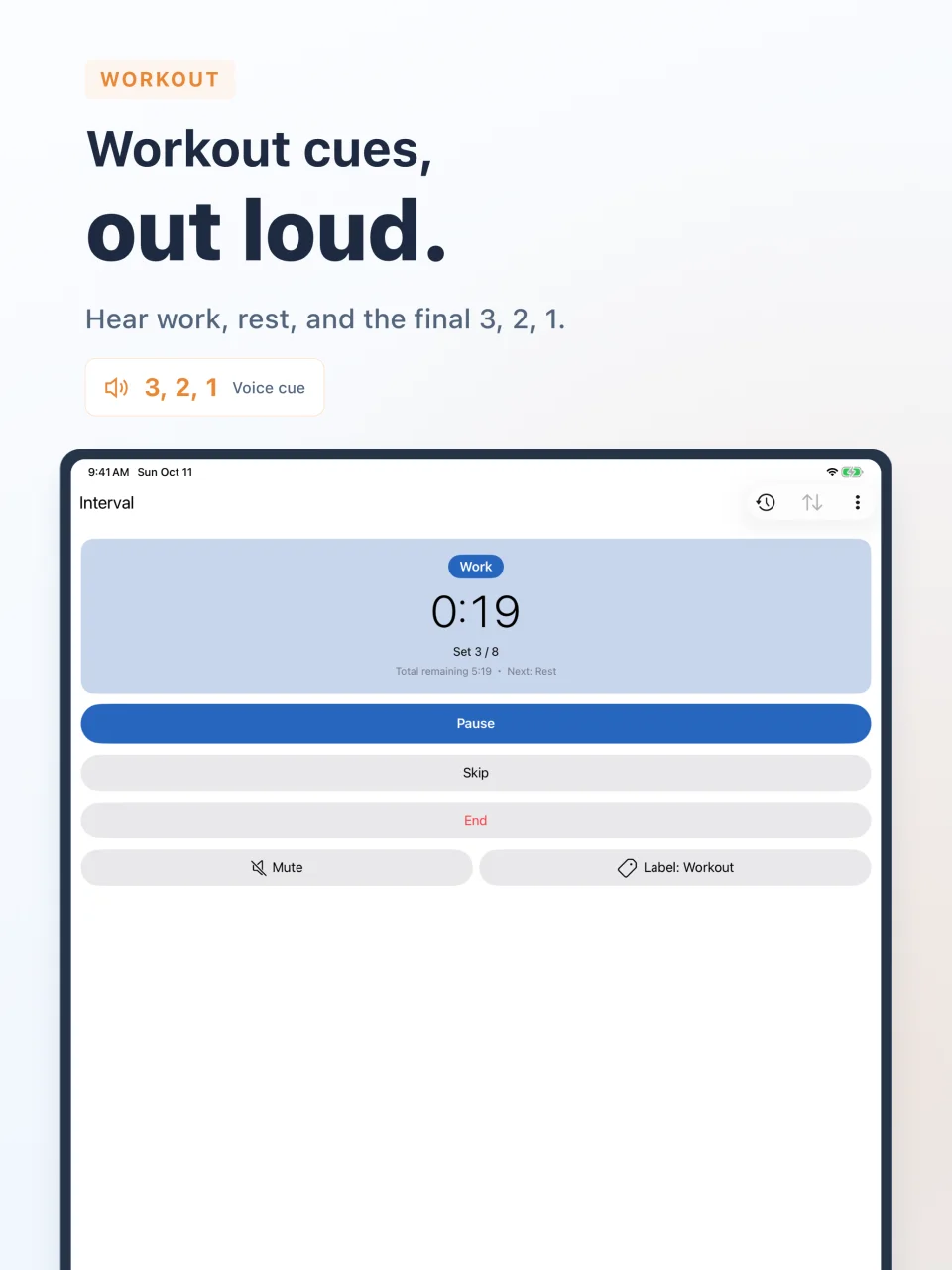
Hear work, rest, remaining sets, and the final 3, 2, 1 countdown. Use timed intervals for HIIT or Tabata, or finish a strength-training set manually before starting your rest.
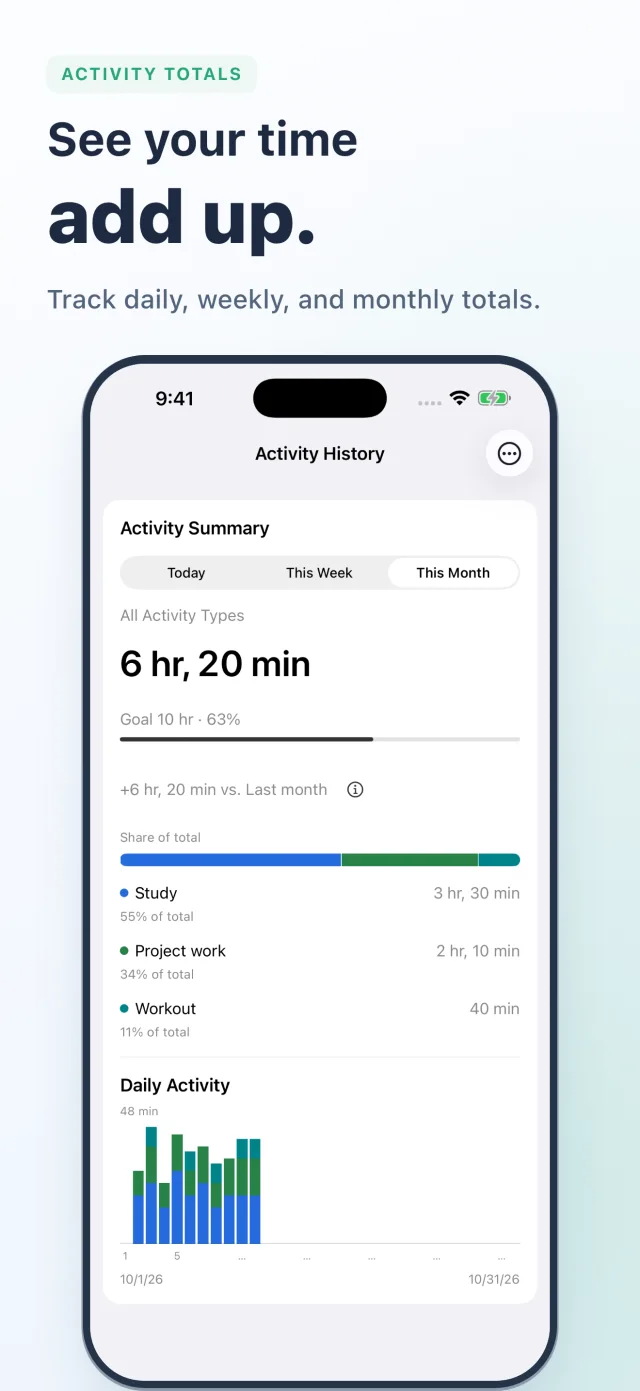
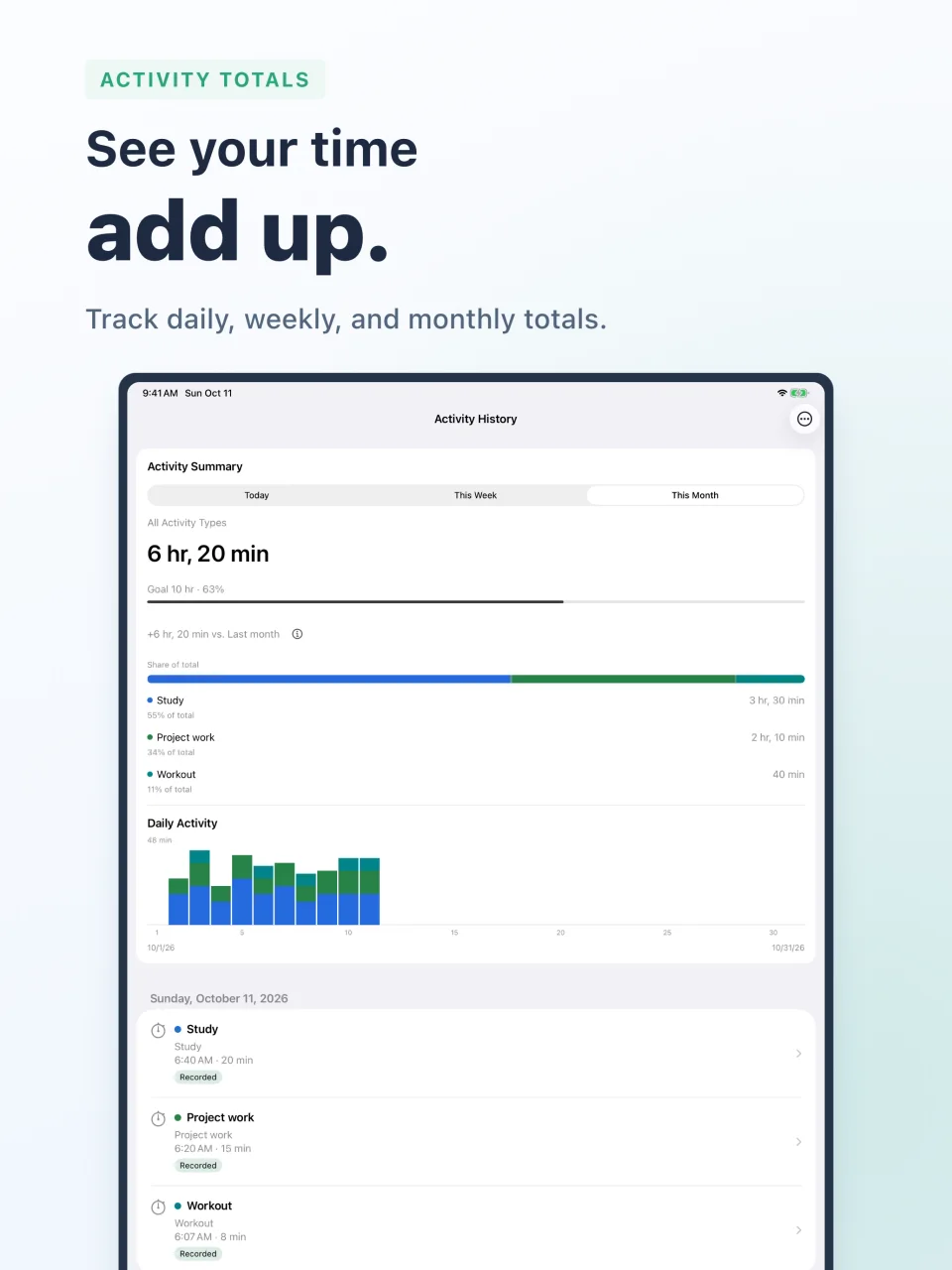
Review daily, weekly, and monthly totals, label breakdowns, and daily charts. Set weekly or monthly time goals and see your progress.
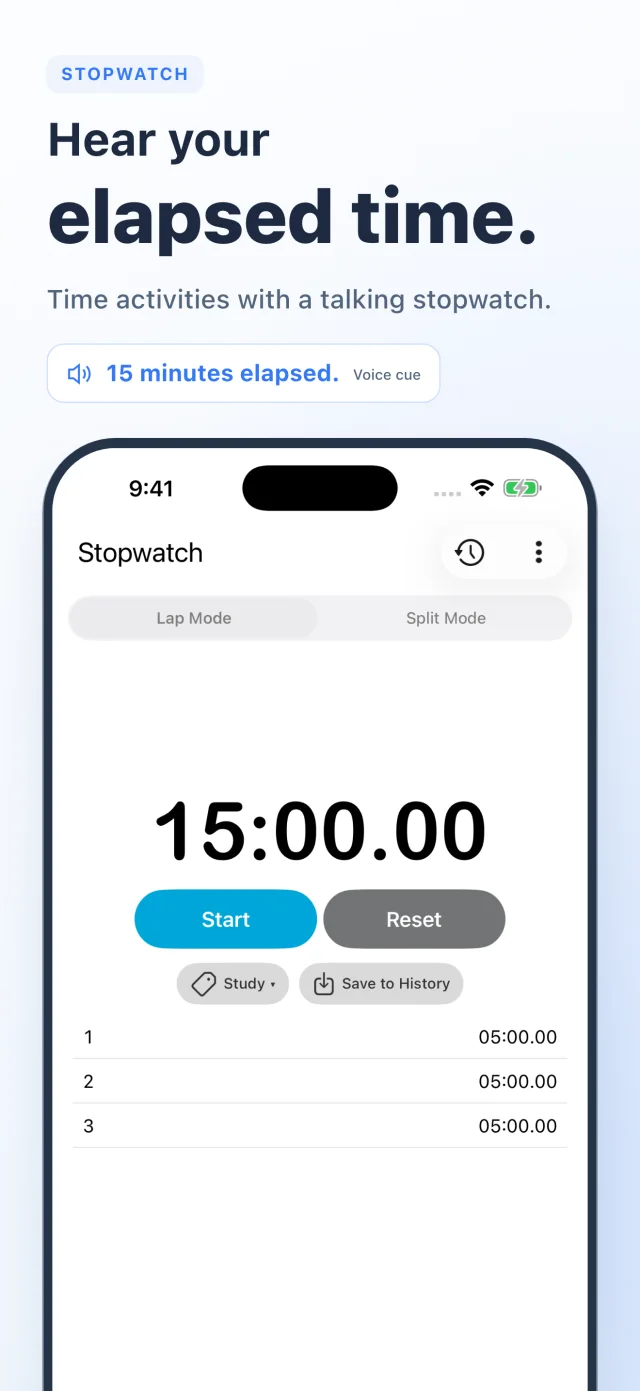
Hear elapsed time with the talking stopwatch. Save your favorite settings as presets.
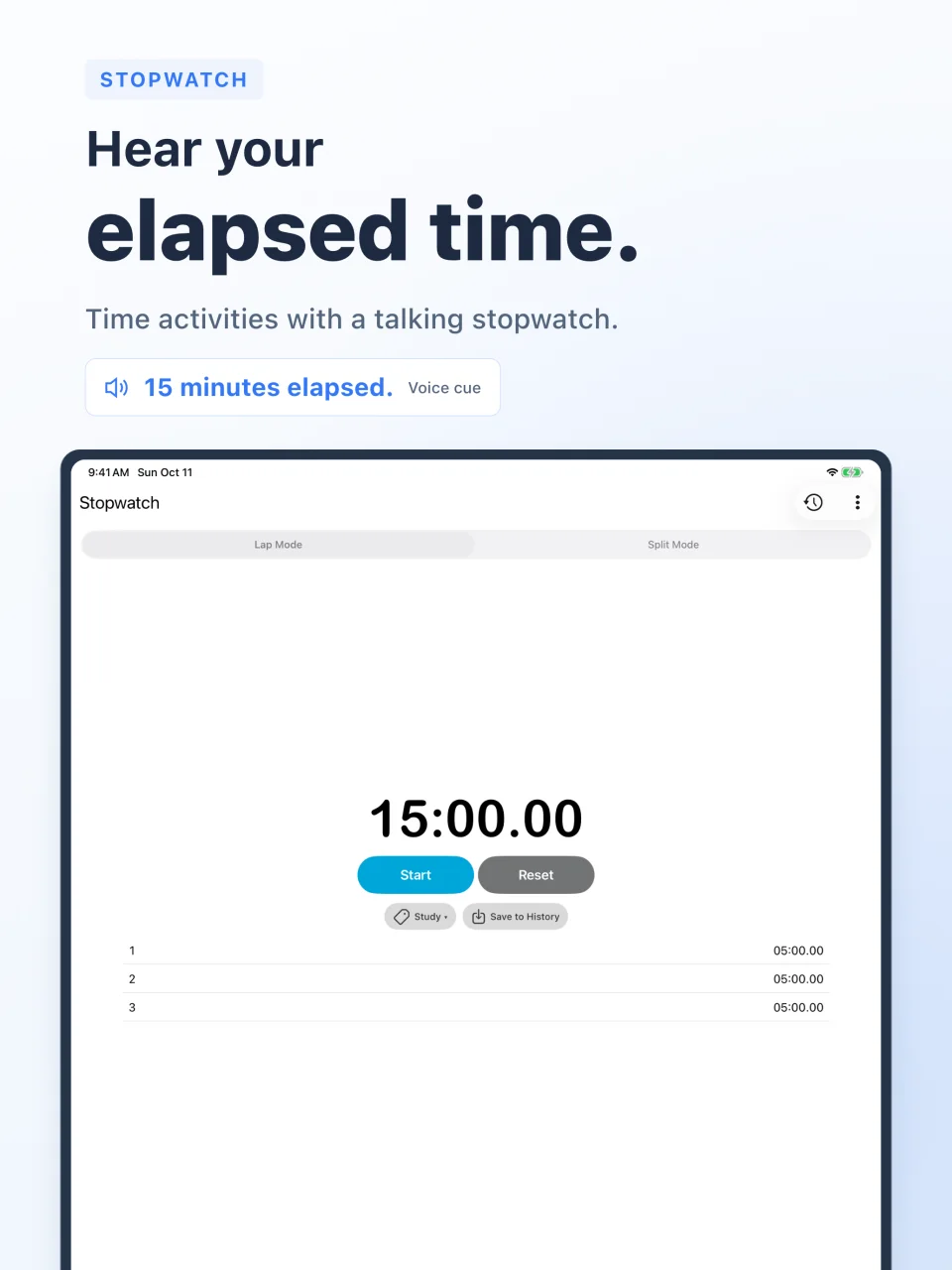
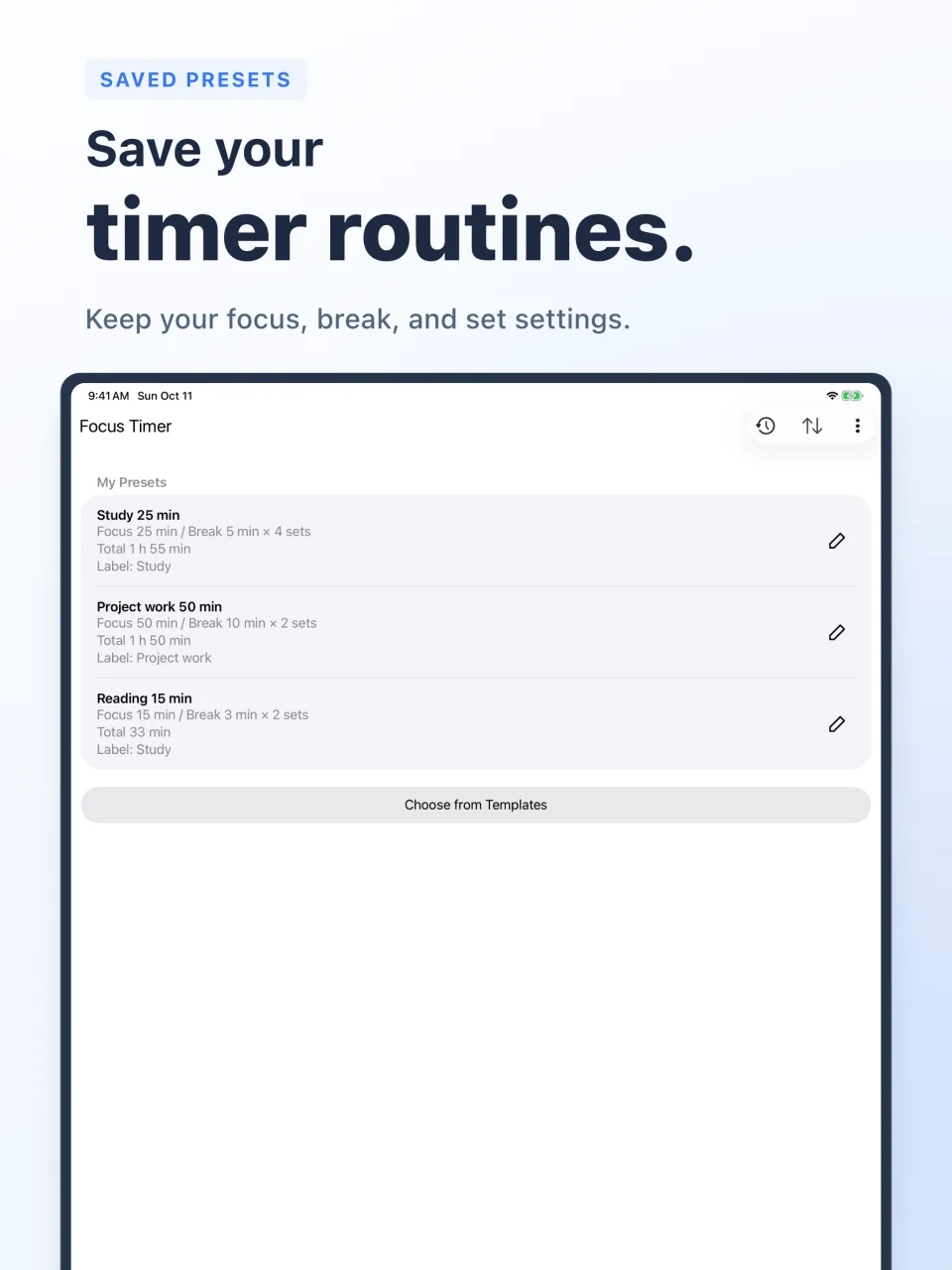
Scroll sideways to see all screens. Select an image to enlarge it. Activity history shown here uses demo data.
Back up alarm and timer settings and imported audio to iCloud. Restore a backup to carry them over when you change devices.
Most features are available for free. The monthly Premium subscription includes:
Focus timers announce the start or end of focus and break periods. Interval timers announce work and rest changes and the final countdown. The stopwatch announces elapsed time at your chosen interval. You can configure voice cues for each mode. Very short interval periods may omit phase announcements or countdowns.
Turn on “Save to Activity History” in your timer preset. For the stopwatch, pause and choose “Save to Activity History.” Use labels to organize study, work, and workouts.
VOICEVOX character voices speak Japanese only. Use a system voice for English cues. You can choose the voice and speaking speed in Settings. Japanese character voices may not read titles or notes written in the Latin alphabet correctly.
Create an iCloud backup in Settings > Backup and Restore. Sign in to the same Apple Account on your new device, then restore from that screen.
A standard timer and alarm are also included. Alarms can read the time, title, and notes aloud.
Chatty Timer does not offer these audio sources. For music alarms, see Sleep Music Alarm, from the same developer.
VOICEVOX is used for Japanese character voice synthesis. Character voices speak Japanese only.
VOICEVOX:ずんだもん / VOICEVOX:四国めたん / VOICEVOX:春日部つむぎ / VOICEVOX:雨晴はう