
Turn on YouTube Playback
Add an alarm using the getting started guide, or tap an existing alarm in the list to edit it. Scroll down and turn on YouTube Playback.
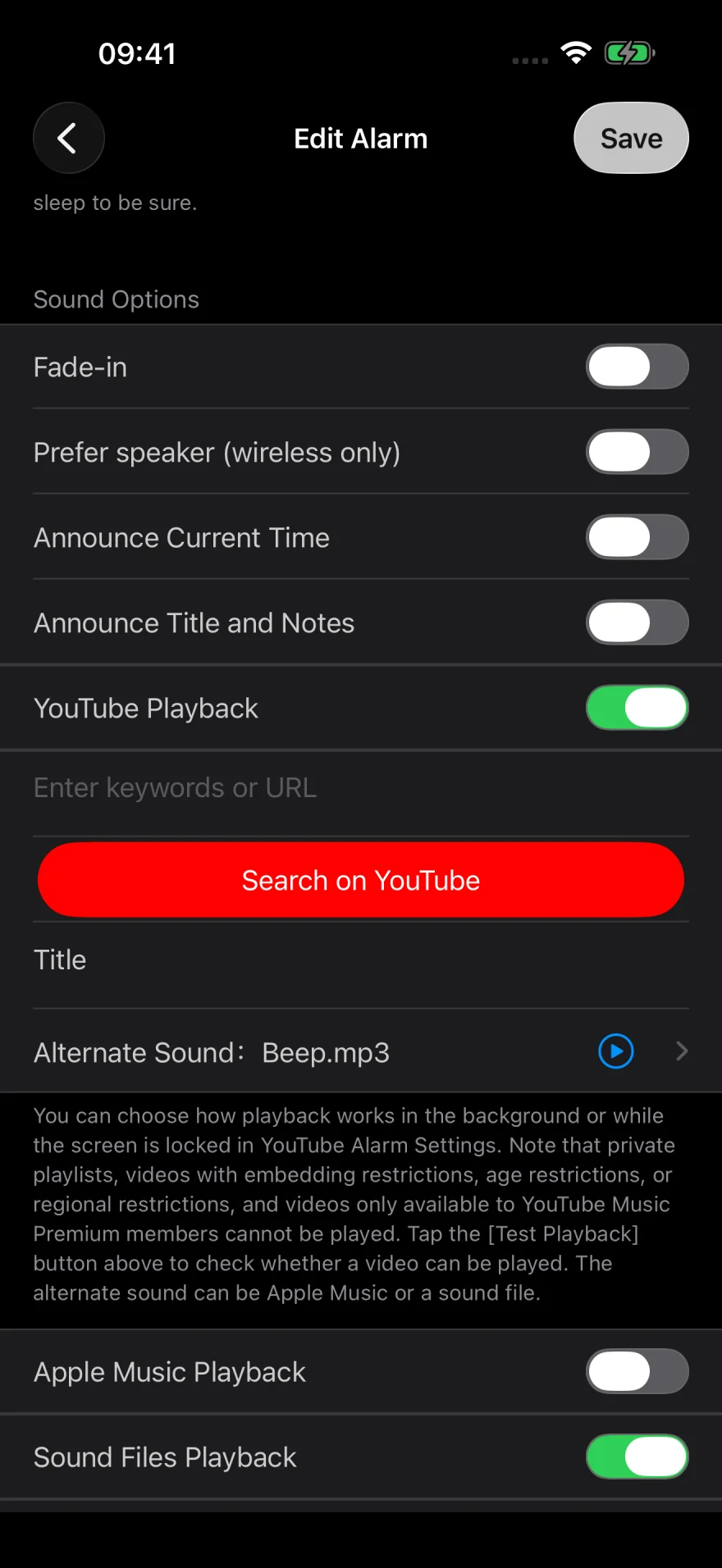
Paste the video link
In YouTube, tap Share and copy the link. Paste it into Enter keywords or URL, then tap Done on the keyboard.
To look for a video inside Sleep Music Alarm, use Search on YouTube.
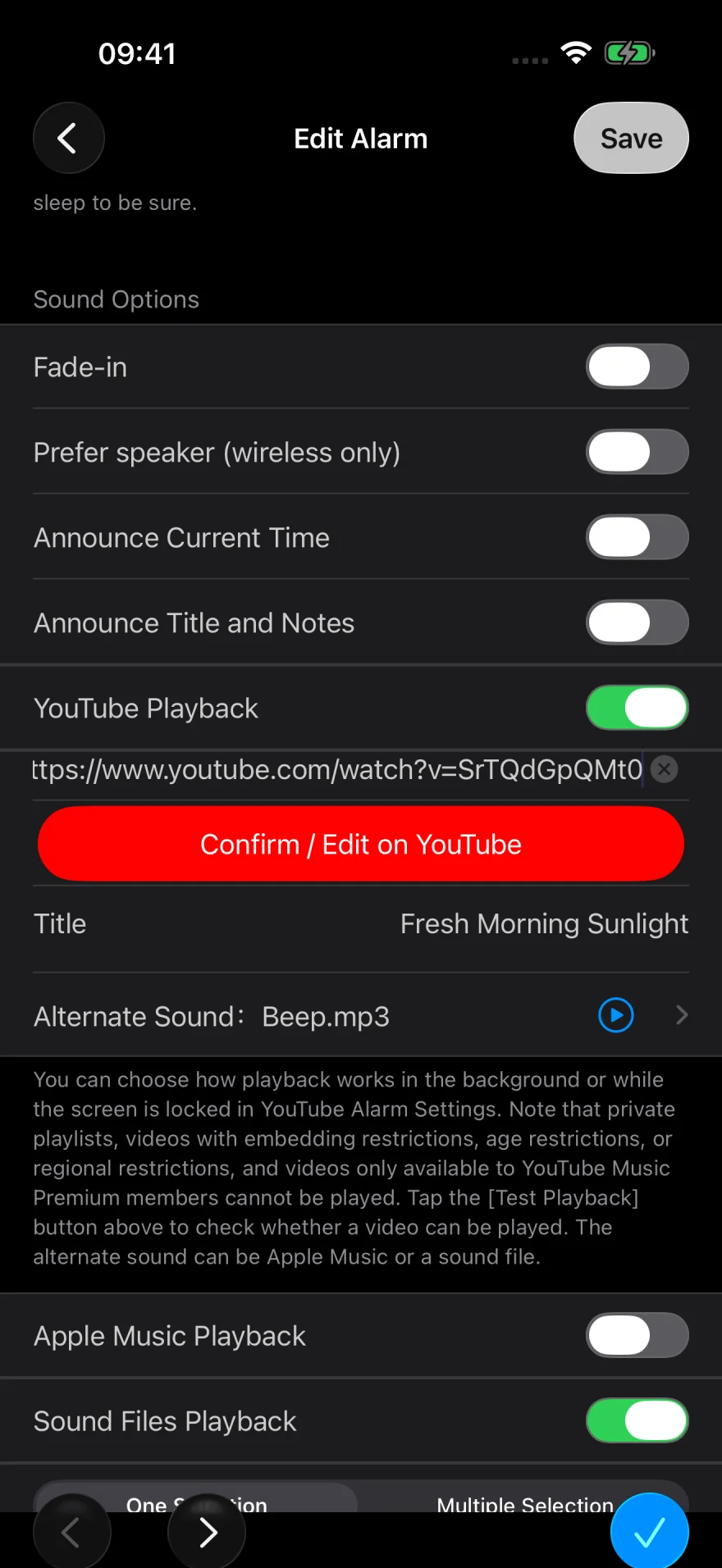
Confirm and select the video
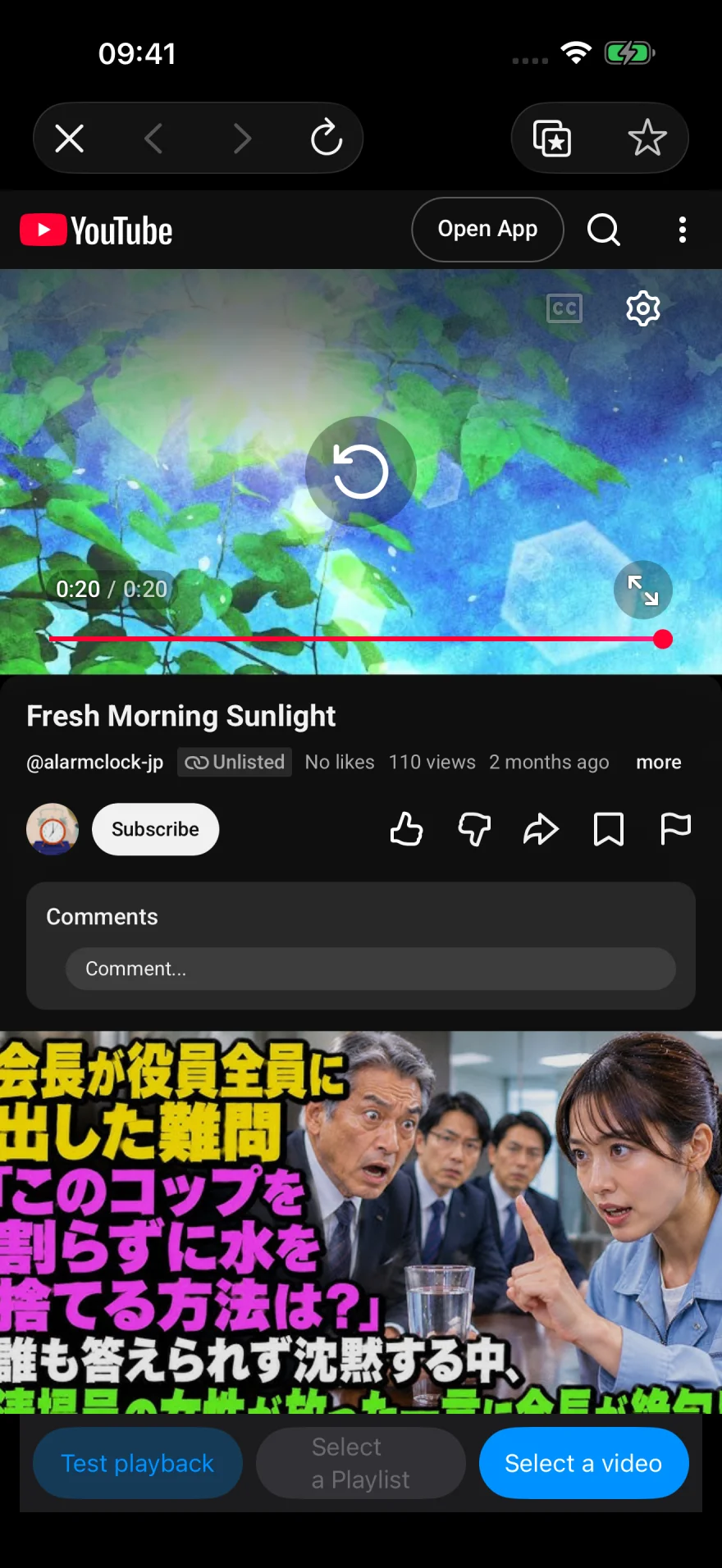
Tap Confirm / Edit on YouTube. On the YouTube screen, tap Select a video in the lower right to apply it to the alarm.
Use Test playback in the lower left to check that the video plays.
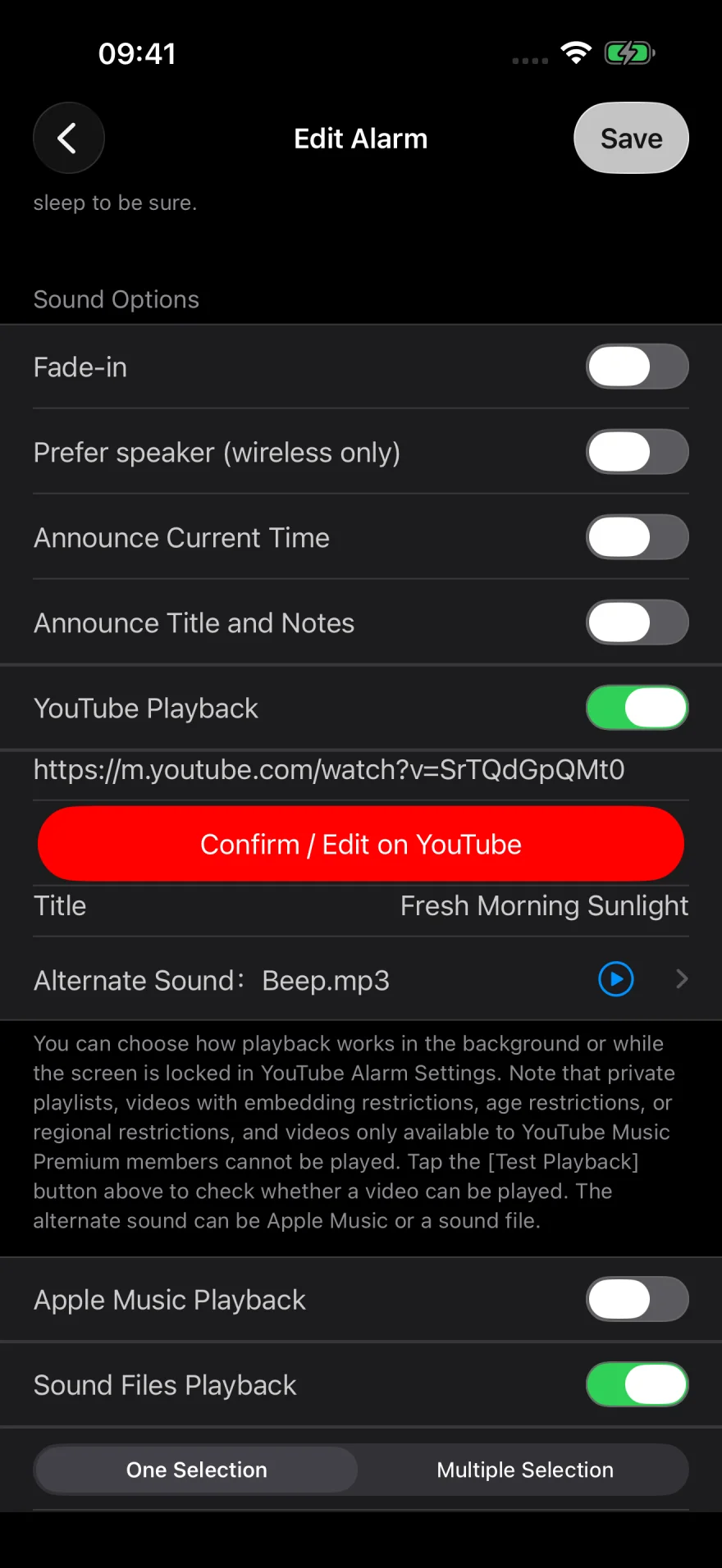
Set a backup sound and save
Check the video title and link. Set an Alternate Sound, such as Beep, in case YouTube cannot play. You can also turn on Sound Files Playback and select a sound file.
Tap Save, then test the alarm as you plan to use it. YouTube can play while the app is in the background or the screen is locked.
If you set multiple sources, the app tries YouTube, then Apple Music, then sound files.
Use a playlist
You can set a YouTube playlist as your alarm. Use a public or unlisted playlist and paste its link. Private playlists and videos with embedding, age, or region restrictions may not play. Check the selection with Test playback.
Dim the screen if you leave it on
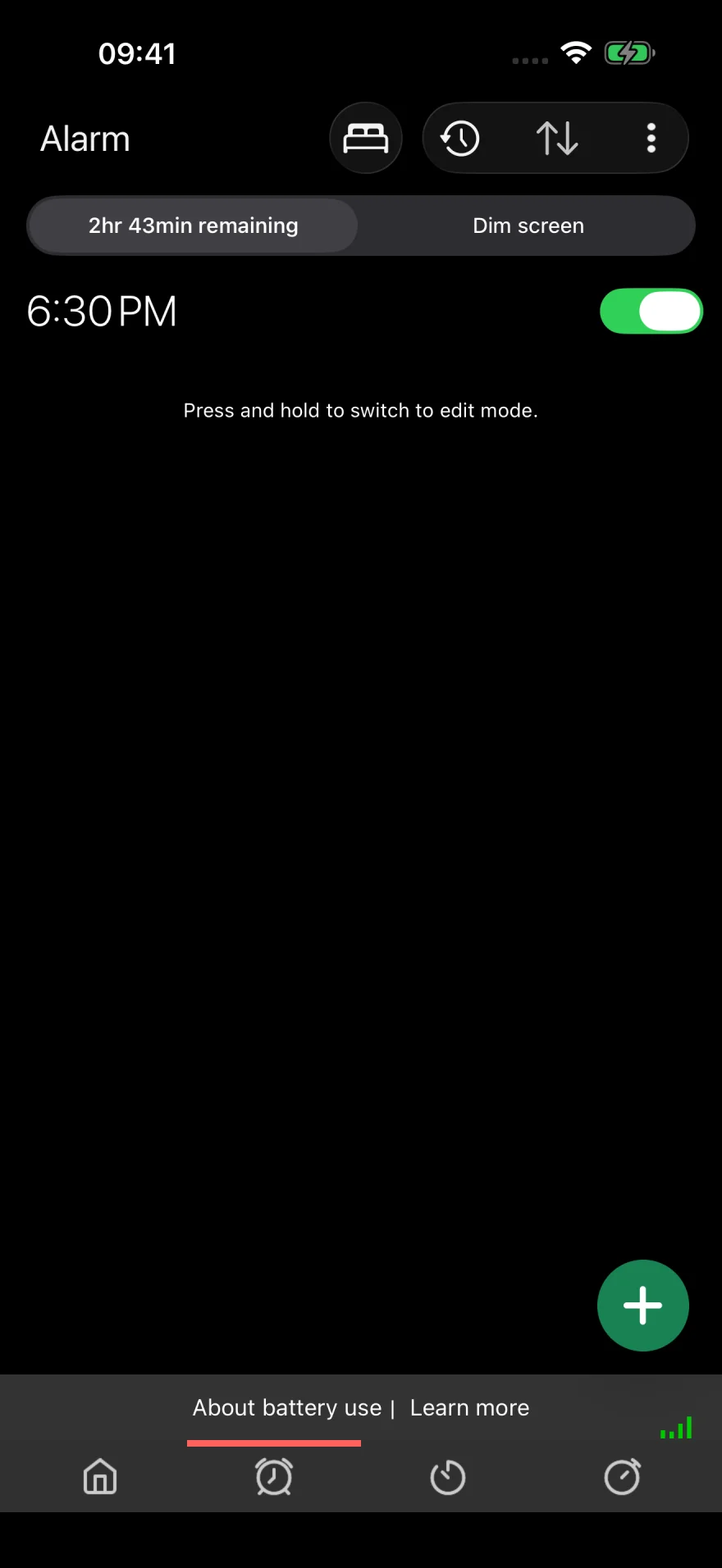
If you leave the app visible, tap Dim screen at the top of the alarm list to reduce the brightness. Double-tap the screen to restore it. You can also lock your iPhone. Avoid swiping the app away in the app switcher.
If you hear a different sound
If the connection or video restrictions prevent YouTube from playing, the app may switch to an alternate sound. See what to check when a different sound plays.
Still need help? Contact us with a description of the issue and your iOS and app versions.